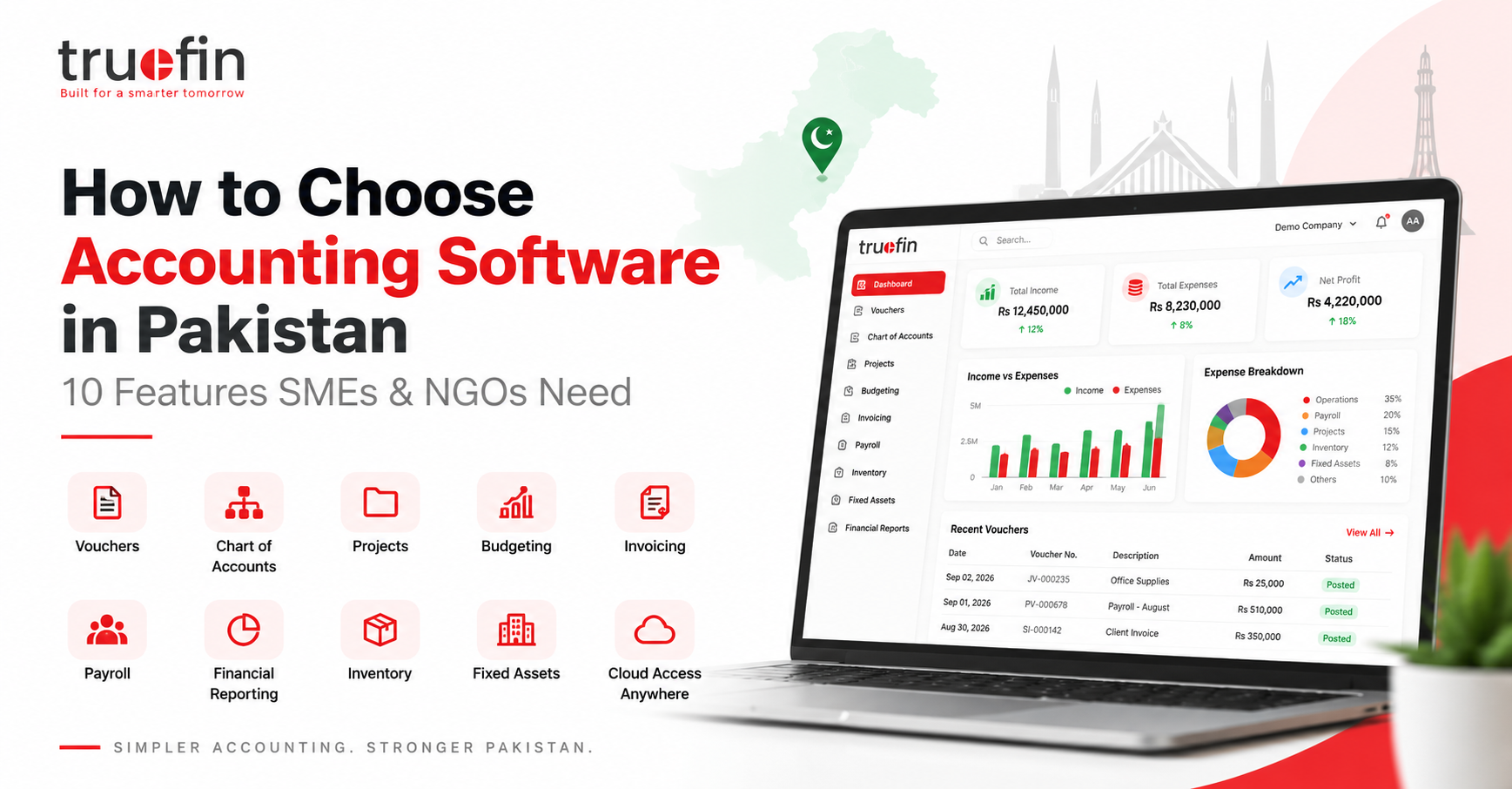
Managing finances is one of the most important responsibilities of any organization.
Choosing the right accounting software in Pakistan can help businesses maintain accurate records, improve financial visibility, and reduce manual work.
When a business is small, spreadsheets and manual records may seem sufficient. However, as the number of customers, suppliers, employees, projects, transactions, and expenses increases, financial management becomes much more complicated.
Businesses need accurate information about:
- Income
- Expenses
- Cash flow
- Customer payments
- Supplier payments
- Projects
- Budgets
- Payroll
- Inventory
- Financial performance
This is where professional accounting software in Pakistan becomes valuable.
Modern accounting software does much more than record transactions. It helps businesses understand their financial position, control expenses, monitor projects, manage budgets, and make better business decisions.
However, not every accounting system provides the same capabilities.
Before selecting accounting software for your business or organization, consider the following 10 important features.
1. Flexible Chart of Accounts
A Chart of Accounts is the foundation of every accounting system.
It organizes financial transactions into different categories, such as:
- Assets
- Liabilities
- Equity
- Revenue
- Expenses
- Banks
- Customers
- Suppliers
For a growing business, a simple account list may not be enough.
Your accounting software should allow you to create a structured and hierarchical Chart of Accounts.
For example:
Assets
→ Current Assets
→ Bank Accounts
→ Cash Accounts
→ Accounts Receivable
This structure makes financial reporting much easier.
A well-organized Chart of Accounts also helps accountants maintain consistent financial records throughout the organization.
2. Voucher Management
Voucher management is an important part of accounting, particularly for businesses operating in Pakistan.
Your accounting software should support common accounting vouchers such as:
Bank Payment Voucher
Used when payments are made through bank accounts.
Cash Payment Voucher
Used when payments are made using cash.
Receipt Voucher
Used when money is received from customers or other parties.
Journal Voucher
Used for accounting adjustments and journal entries.
Each voucher should clearly show information such as:
- Voucher number
- Transaction date
- Account
- Customer or supplier
- Amount
- Description
- Project
- Payment method
A digital voucher management system can significantly reduce the need for paper-based financial records.
3. Project Accounting
Project accounting is especially important for:
- NGOs
- Construction companies
- Consulting firms
- Software companies
- Development organizations
- Service businesses
- Project-based companies
Traditional accounting normally shows the overall financial position of the company.
However, management may also need to know:
How much did Project A spend?
How much revenue came from Project B?
Which project generated the highest profit?
Is a particular project exceeding its budget?
With project accounting software, income and expenses can be associated with individual projects.
This gives management better visibility into project-level financial performance.
For organizations managing multiple projects simultaneously, this feature can be extremely valuable.
Good accounting software in Pakistan should allow organizations to track income, expenses, and financial performance separately for individual projects.
4. Budget Management
Creating a budget is important.
But monitoring that budget is even more important.
Imagine a company creates an annual project budget of:
PKR 10,000,000
Without proper software, management may not realize that the project has exceeded its budget until financial reports are prepared later.
A modern accounting system should allow businesses to compare:
Budgeted Amount
vs
Actual Spending
vs
Remaining Budget
For example:
| Category | Budget | Actual | Remaining |
|---|---|---|---|
| Salaries | PKR 3,000,000 | PKR 2,500,000 | PKR 500,000 |
| Travel | PKR 1,000,000 | PKR 850,000 | PKR 150,000 |
| Equipment | PKR 2,000,000 | PKR 1,400,000 | PKR 600,000 |
Budget monitoring allows management to identify overspending before it becomes a serious financial problem.
5. Financial Reporting
Financial transactions become useful when they are transformed into meaningful reports.
Your accounting system should generate important reports such as:
- Balance Sheet
- Income Statement
- Trial Balance
- General Ledger
- Account Ledger
- Income Reports
- Expense Reports
- Project Reports
- Budget Reports
These reports help business owners and managers understand the overall financial health of the organization.
Instead of manually collecting data from multiple spreadsheets, reports should be generated directly from the transactions recorded inside the accounting system.
This saves time and reduces human error.
6. Customer Invoicing
For SMEs, invoicing is another essential feature.
Your accounting software should make it easy to create and manage customer invoices.
A good invoicing system should allow you to:
- Create invoices
- Maintain customer records
- Track invoice payments
- Identify unpaid invoices
- View outstanding balances
- Review customer transaction history
For example:
| Invoice | Customer | Amount | Status |
|---|---|---|---|
| INV-001 | ABC Traders | PKR 150,000 | Paid |
| INV-002 | XYZ Enterprises | PKR 75,000 | Pending |
| INV-003 | Pak Services | PKR 120,000 | Overdue |
When invoicing and accounting are connected, businesses can easily understand their accounts receivable position.
7. Payroll Management
Employee salaries are one of the largest operating expenses for many organizations.
Using separate payroll and accounting systems can create unnecessary administrative work.
Businesses may need to enter the same payroll information multiple times.
Accounting software with payroll functionality can help manage:
- Employee salaries
- Payroll processing
- Salary records
- Allowances
- Deductions
- Payroll expenses
- Project-wise employee costs
For project-based organizations, payroll expenses can also be allocated to individual projects.
This allows management to understand the true cost of each project.
8. Inventory Management
Businesses selling physical products should also look for accounting software with inventory management capabilities.
Inventory management can help businesses track:
- Available stock
- Stock quantities
- Purchase transactions
- Sales transactions
- Warehouse inventory
- Product categories
- Stock movement
- Inventory valuation
For example, management should quickly be able to determine:
How many products are currently available?
Which products are running low?
What is the total value of available inventory?
Which products are selling the most?
Integrated inventory and accounting systems provide a much clearer picture of business operations.
9. Cloud-Based Access
Traditional accounting software is often installed on a specific office computer.
This can create problems when employees need to access financial information remotely.
Cloud accounting software allows authorized users to access the system through a web browser.
This can be helpful for:
- Remote employees
- Multiple office locations
- Business owners
- Finance managers
- Accountants
- Management teams
Instead of financial information being stored on individual computers, data can remain centralized within one accounting platform.
Cloud-based accounting also makes collaboration easier across different departments.
10. Scalability
Your accounting requirements will change as your organization grows.
Today, you may only need:
- Basic accounting
- Vouchers
- Financial reports
But later, you may need:
- Project management
- Budgeting
- Payroll
- Inventory
- Fixed assets
- Supplier management
- Advanced financial reporting
Therefore, selecting software that can grow with your organization is important.
Changing your entire accounting system after a few years can be expensive and disruptive.
Choosing a flexible platform from the beginning can help avoid this problem.
Why Spreadsheets Become Difficult as Businesses Grow
Microsoft Excel is an extremely useful business tool.
For very small organizations, spreadsheets may be sufficient for basic accounting.
However, problems often appear when financial operations grow.
Common spreadsheet problems include:
- Duplicate data
- Multiple versions of the same file
- Accidental formula changes
- Missing transactions
- Manual reporting
- Difficult project tracking
- Limited user access
- Slow reconciliation
- Human errors
For example, one employee may have:
Accounts-Final.xlsx
Another may have:
Accounts-Final-New.xlsx
And another may be working with:
Accounts-Final-Updated-v2.xlsx
It becomes difficult to determine which file contains the correct financial information.
A centralized accounting system creates a single source of financial data for the organization.
What Should SMEs Look for in Accounting Software in Pakistan?
For growing SMEs, accounting software in Pakistan can simplify invoicing, expenses, payroll, inventory, and financial reporting within one system
Small and medium businesses generally need accounting software that makes everyday financial management easier.
A good SME accounting system should provide:
Core Accounting
Record everyday financial transactions.
Customer Management
Maintain customer information and balances.
Invoicing
Generate and track customer invoices.
Expense Management
Monitor business expenses.
Payroll
Manage employee salary processing.
Inventory
Track stock and product quantities.
Reporting
Generate accurate financial reports.
Ideally, all these functions should work together within one system.
What Should NGOs Look for in Accounting Software?
NGOs choosing accounting software in Pakistan should pay particular attention to project accounting, activity tracking, budget management, and project-wise reporting.
NGOs often have more complicated accounting requirements.
An NGO may manage multiple:
- Donors
- Projects
- Programs
- Activities
- Budgets
- Offices
Because of this, project-based accounting becomes extremely important.
An NGO accounting system should ideally provide:
Accounting + Projects + Activities + Budgets + Expenses + Payroll + Reporting
For example, an NGO managing three different projects may need financial information separately for:
Project A
Project B
Project C
Management should be able to understand exactly how much money has been allocated and spent on each project.
Cloud Accounting vs Traditional Desktop Accounting
Another important decision is whether to choose desktop accounting software or cloud accounting software.
Cloud-based accounting software in Pakistan can also help authorized finance teams access centralized financial information from different offices and locations.
| Desktop Accounting | Cloud Accounting |
|---|---|
| Installed on a computer | Access through a web browser |
| Usually location-dependent | Accessible remotely |
| Manual software updates | Updates can be centralized |
| Data may remain on one system | Centralized financial data |
| Difficult for remote teams | Better collaboration |
For modern businesses with multiple employees or offices, cloud accounting can provide significantly more flexibility.
Questions to Ask Before Choosing Accounting Software
Before purchasing or implementing an accounting system, ask the provider these questions:
- Can it handle our accounting workflow?
- Does it support vouchers?
- Can we manage multiple projects?
- Does it support budgeting?
- Can we compare budgets against actual spending?
- Can we create customer invoices?
- Does it include payroll?
- Does it support inventory?
- What financial reports are available?
- Can multiple users access the system?
- Can user permissions be controlled?
- Is the software cloud-based?
- Can the system grow with our business?
- Is customer support available?
- Can the software be configured according to our organization?
These questions can help businesses avoid selecting software that looks suitable initially but becomes limiting later.
Businesses should also remain aware of applicable financial and corporate requirements issued by authorities such as the Securities and Exchange Commission of Pakistan (SECP).
Why Choose TrueFin?
TrueFin is a cloud-based accounting and financial management platform designed for businesses, NGOs, and project-based organizations.
TrueFin brings different financial operations together in one centralized platform.
With TrueFin, organizations can manage areas such as:
- Chart of Accounts
- Accounting Vouchers
- Projects
- Budget Management
- Customer Invoices
- Financial Reporting
- Payroll
- Inventory
- Fixed Assets
- Customers
- Suppliers
Instead of maintaining different spreadsheets and disconnected financial systems, organizations can manage their financial operations from one platform.
TrueFin can help finance teams gain better visibility into:
Accounts
Projects
Budgets
Income
Expenses
Customers
Financial performance
Better Financial Visibility Leads to Better Decisions
Accounting software should do more than store transactions.
It should help management understand what is happening inside the organization.
Business owners should be able to answer questions such as:
Are we profitable?
Where are our expenses increasing?
Which projects are performing well?
Are we staying within our budgets?
How much money do customers owe us?
What is our current financial position?
When financial information is accurate and easily accessible, management can make better and faster decisions.
Final Thoughts
Choosing the right accounting software is an important investment for any organization.
The best system is not necessarily the one with the largest number of features.
Instead, it should match the financial requirements of your organization while remaining flexible enough to support future growth.
The best accounting software in Pakistan should meet your current financial requirements while remaining flexible enough to support future growth.
Before selecting accounting software, consider important capabilities such as:
- Chart of Accounts
- Voucher Management
- Project Accounting
- Budget Management
- Financial Reporting
- Invoicing
- Payroll
- Inventory
- Cloud Access
- Scalability
For SMEs, NGOs, and project-based organizations in Pakistan, having these capabilities within one centralized platform can significantly simplify financial management.
Simplify Your Accounting with TrueFin
Ready to move away from complicated spreadsheets and disconnected accounting processes?
TrueFin helps businesses and organizations manage accounting, projects, budgets, payroll, invoicing, inventory, and financial reporting from one cloud-based platform.
Take control of your finances with TrueFin.
Book a Demo Today
or
Explore TrueFin Plans & Pricing